
Start with how you will use the yard
These ideas come from Fixr (December 8, 2023), RTA Outdoor Living (June 13, 2023) and LawnStarter (updated May 22, 2025). They are design advice, not tested in any climate, so check plants against your own growing zone.
- Separate areas: Fixr says a large yard can have separate areas for different activities, such as seating around a pool, a pergola or gazebo, a stone patio, an outdoor fireplace, or a hammock in a hidden corner. RTA's advice is similar: think about how you will use the space, what plants to include, how much maintenance you want, and local zoning rules and permits.
- Three ways to design: RTA lists doing it yourself, an online design company that works from photos of your yard and a professional landscape designer, and says the designer costs more.
- Fit the house: Fixr says to link indoor and outdoor spaces with matching materials and colors and an entertaining area right outside the door.
Beds, paths and plants
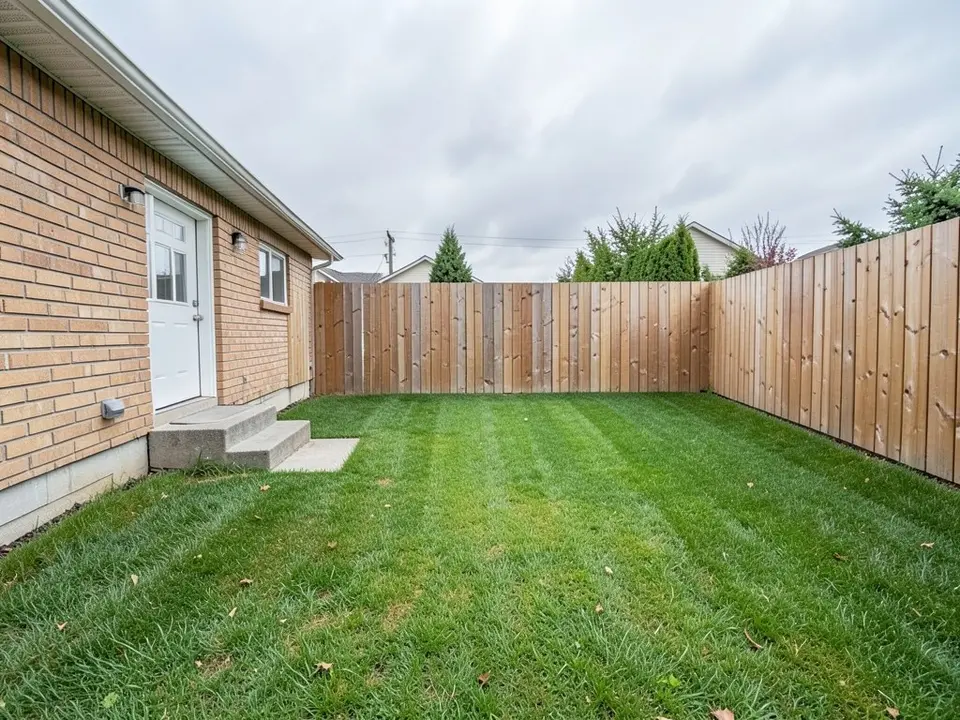
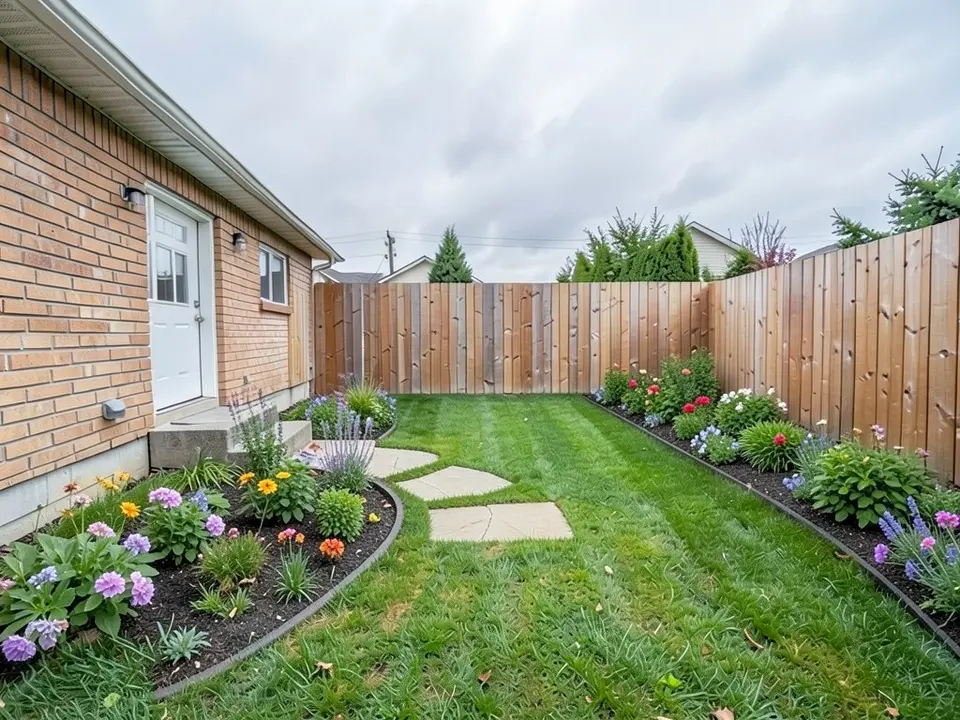
Our first example is this idea. For more flower ideas see our flower bed ideas.
- Flower beds for continuity: RTA says flower beds and scattered blooms create continuity across the yard, perennials keep maintenance low, and ornamental grasses and succulents are low-maintenance alternatives.
- Stepping stones: LawnStarter says stepping stones or pavers create paths between backyard areas and make walking and mower use easier.
- Native, low-maintenance plants: Fixr says native plants save water, support wildlife and pollinators and reduce upkeep, and that perennials return each year.
- Vertical growing: Fixr says a vertical garden on a wooden trellis saves space and adds privacy and noise reduction.
- A rock garden: LawnStarter describes a low-maintenance rock garden of rocks, plants and a border that gives a calm, Zen-like feel.
Water
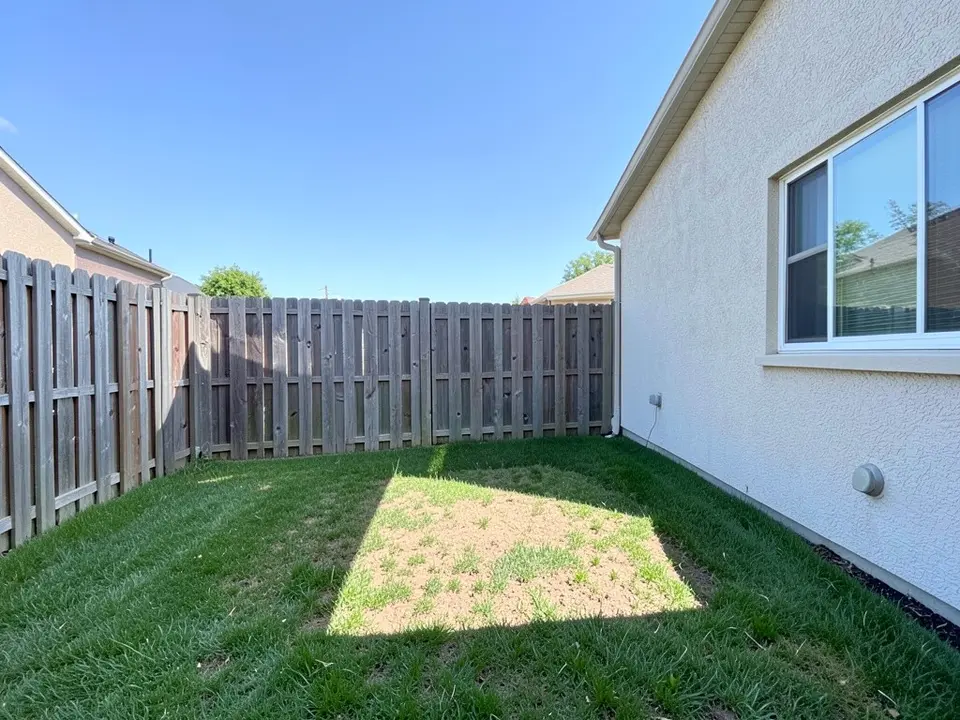
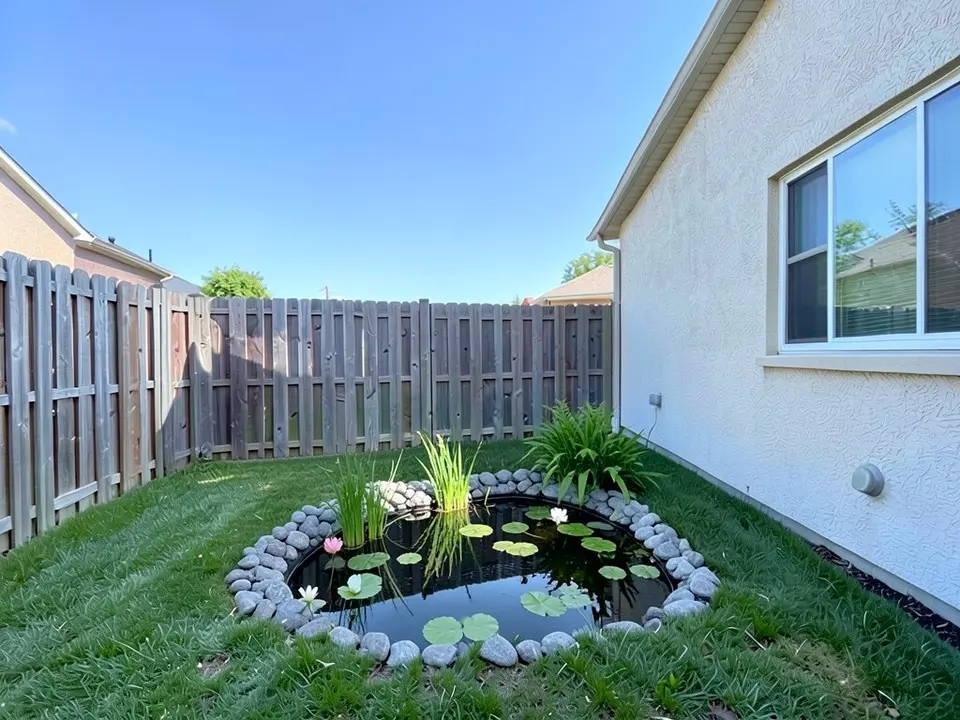
Our second example is this idea.
- Options: RTA lists stone waterfalls into pools, koi ponds, water walls, streams, fountains and staircase waterfalls, and says a sloped yard can make water features more efficient.
- Why add one: LawnStarter says a waterfall, fountain or pond can make the yard more tranquil and attract wildlife. Fixr suggests making a natural feature such as a fireplace or water feature the focal point.
Play, shade and evenings
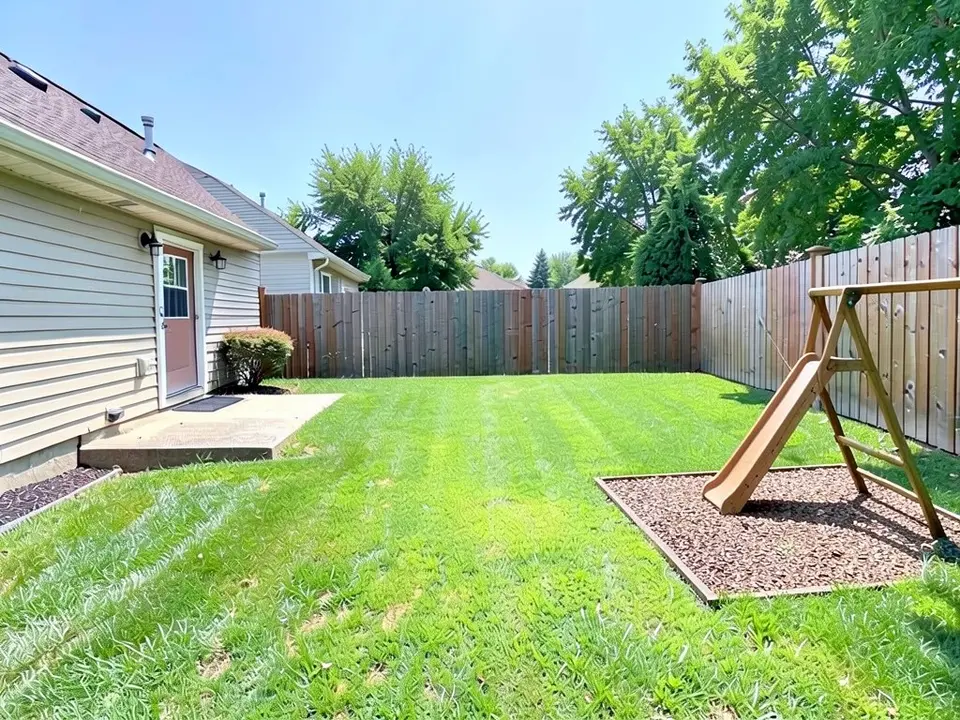
Our third example is the play area.
- A playset: LawnStarter says a swing set or jungle gym gives kids a play area at home, supported by shade trees and tough grass or mulch.
- Shade: RTA says gazebos and roofs give full shade, while pergolas let some light through and can link separate areas. See our patio design ideas and deck design ideas.
- Fire and seating: RTA suggests fire pits, including rectangular or square concrete fire pit tables, and outdoor fireplaces with a surrounding seating wall. For paving see our hardscape design ideas.
- Lighting: Fixr says to highlight features, light paths and stairs, use ambient light for conversation areas and direct overhead light for dining. LawnStarter suggests string lights to enjoy the yard after dark. See our landscape lighting design ideas.
- Privacy: RTA says metal screens let light filter through, and wooden plank screens give full coverage. LawnStarter says a privacy fence adds seclusion and can block noise. See our privacy landscaping ideas.
What these pages do not cover
None of the three pages give distances, sizes or setbacks for a pond, play set, fire pit or structure. RTA only says to check local zoning laws and permits, and Fixr says to check local rules before building an accessory dwelling unit. Rules differ by city, so ask your city or county before you dig or build, and treat our pictures as the look only.
How to try an idea on your own backyard photo
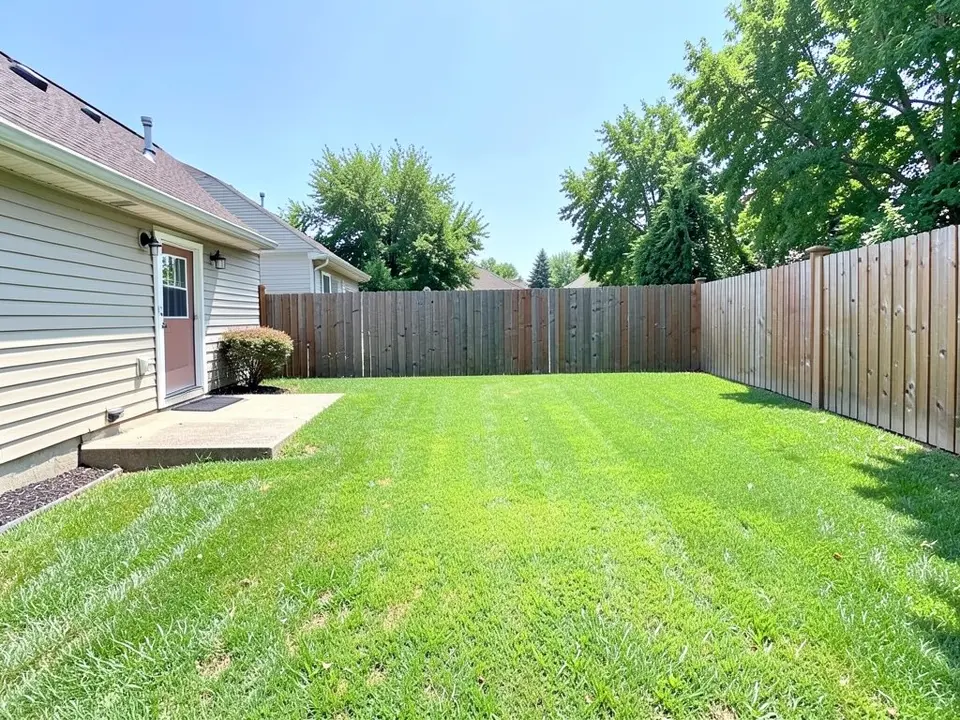
Use Custom mode for this. The Yard Redesign styles have no text box, so you cannot ask for a particular bed, pond or play set there. Custom lets you name the spot, the feature and what must stay the same.
- Take the photo in daylight from the back door or a corner, with the lawn, the fence and the house in frame.
- Open the landscape tool and sign in with Google or an email code. You get 1 free render with a free account.
- Under Select Landscape Mode, pick Custom.
- In the Custom Design Requirements box, name the part of the yard you want changed, what to put there, and what must stay the same, such as the house, the fence, the trees and the camera angle.
- Upload your photo under Upload Your Garden Image and click Generate Custom Design.
- Compare the result with your photo and change one thing at a time, such as the shape or the plants, and run it again.
What the AI can and cannot do
The AI shows a look: roughly how a bed, a pond or a play area would sit in your own backyard. That helps you choose and explain what you want to a landscaper.
It does not measure the yard, check drainage, dig depth or safety, pick plants for your climate, or price the job. It also does not always follow the instruction, as the short stone path and the swing set with no swings show. Treat the result as a picture of an idea and get the plan from a local professional.
Backyard instructions to paste into Custom mode
These are the exact instructions we used for the three examples above, in the same order. In the landscape tool, choose Custom, paste one into the Custom Design Requirements box, then upload your photo. Swap in your own feature, the part of the yard you want changed and what must stay.
- Change ONLY the edges of the lawn: add a curved planting bed of flowers and shrubs along the fence and a curved stone stepping-stone path leading across the lawn. Keep the house, the back door, the fence, the sky and the camera angle exactly the same.
- Change ONLY the bare patch of lawn in the middle: replace it with a small natural garden pond with grey rocks around its edge, a few water lilies and green plants beside it. Keep the house, the window, the fence, the rest of the lawn and the camera angle exactly the same.
- Change ONLY the far right of the lawn: add a wooden swing set and small slide on a square of wood chips. Keep the house, the patio, the fence, the trees, the rest of the lawn and the camera angle exactly the same.
Frequently asked questions
What are good backyard design ideas?
The pages we read suggest dividing the yard into zones, curved flower beds with paths, a water feature, a play area, shade structures, fire features, lighting and privacy screens. The examples above show curved beds with a path, a pond and a play area on a photo.
Should I plan zones before I buy anything?
RTA says to think about how you will use the space, what plants to include and how much maintenance you want before you design, and Fixr says a large yard can have separate areas for different activities such as seating, a pergola or a hidden corner.
Can your tool tell me if a pond or play set is safe or allowed?
No. None of the pages we read give safety, size or permit advice for them, and a picture cannot check it. Ask your city or county and a local professional.
Can the tool draw a whole swing set?
Not reliably. In our example it drew the frame and slide but no swings, and the frame was cut off by the edge of the picture. Describe the set to a supplier in words.
Is this the same as your small backyard page?
No. This page is general ideas for a whole backyard. For tight spaces see our small backyard landscaping ideas.
Do I need an account, and is it free?
You need an account, and it is free: 1 free render with a free account, and free renders carry a watermark. More renders and no watermark come with a paid plan.
Sources
The facts above come from these pages, which we read in October 2026. We are not affiliated with any of them.
- Fixr: 10 inviting backyard design ideas to wow your guests (Carol J. Alexander, December 8, 2023)
- RTA Outdoor Living: Backyard design ideas, how-to tips for beginners and 12 outstanding ideas (Gabrielle Desmarais, June 13, 2023; an outdoor living company)
- LawnStarter: 21 landscaping ideas for the backyard (Jane Purnell, updated May 22, 2025)