
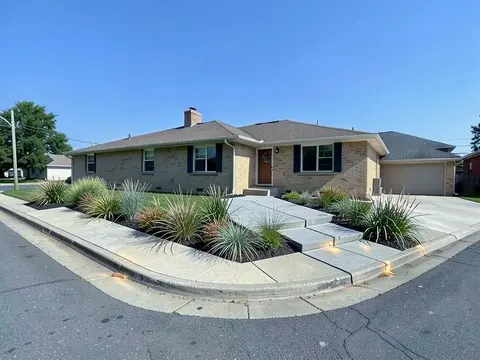
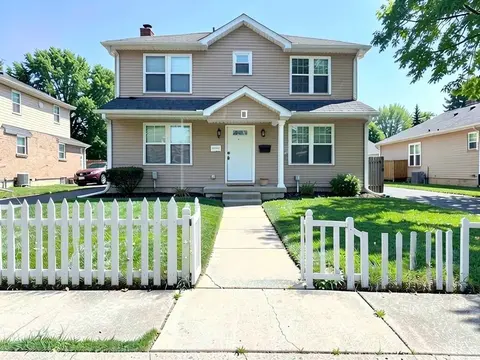
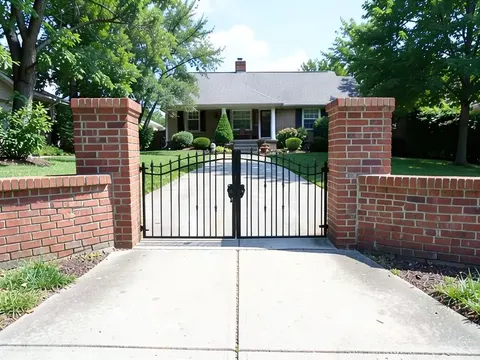
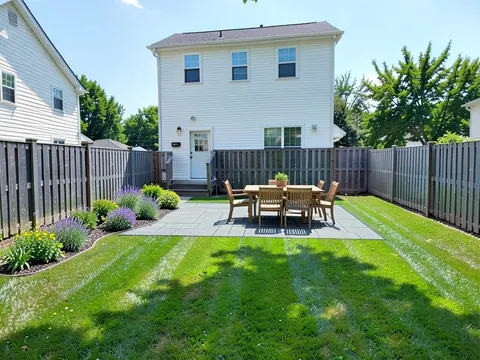
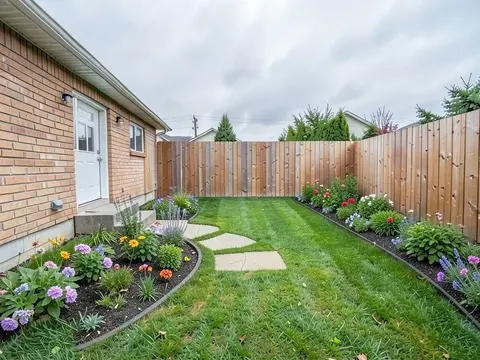
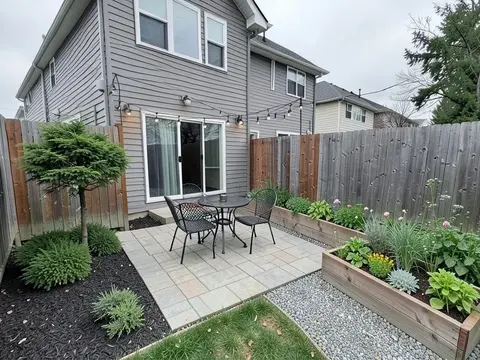
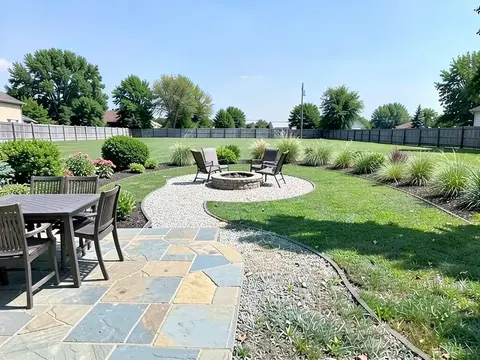
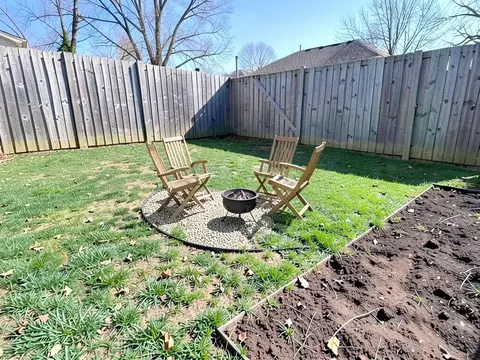
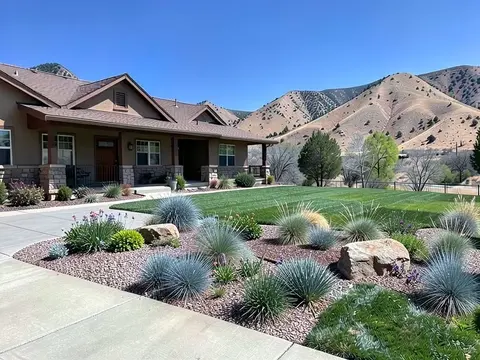
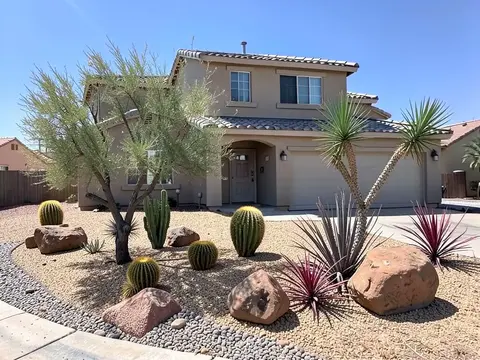
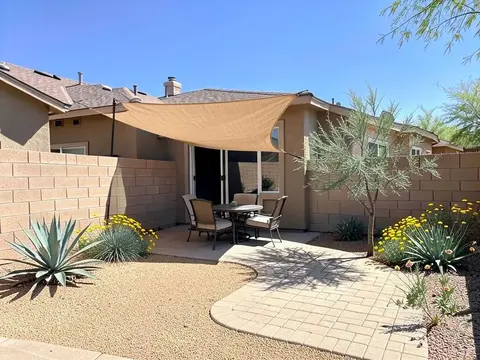
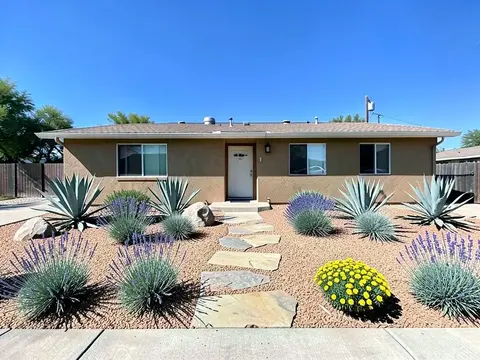
Landscaping Ideas: 96 Front Yard, Backyard and Garden Ideas With Pictures

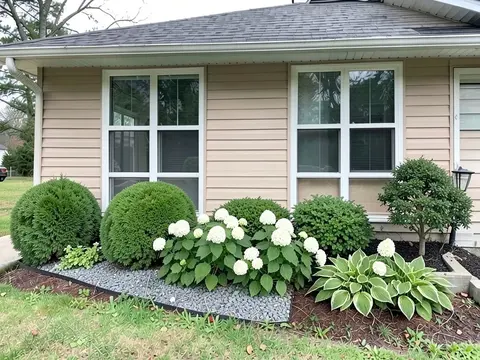
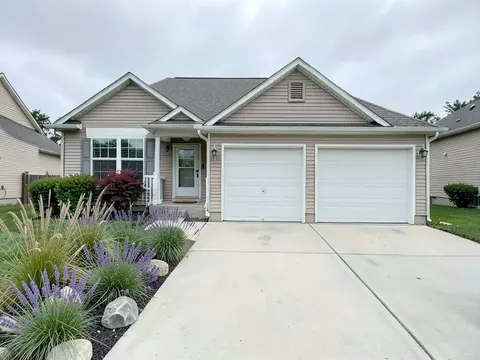
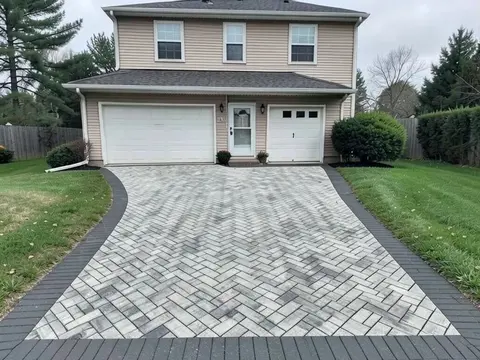
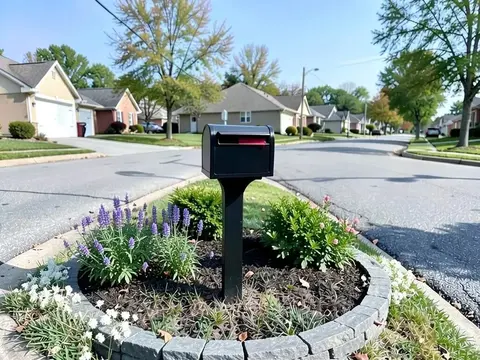
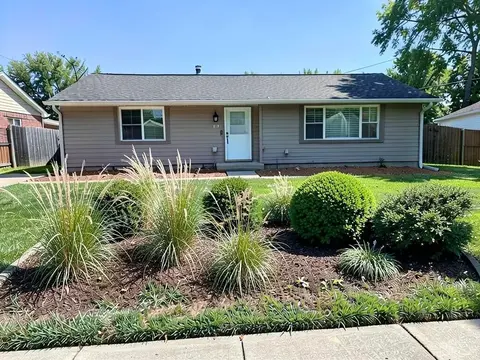
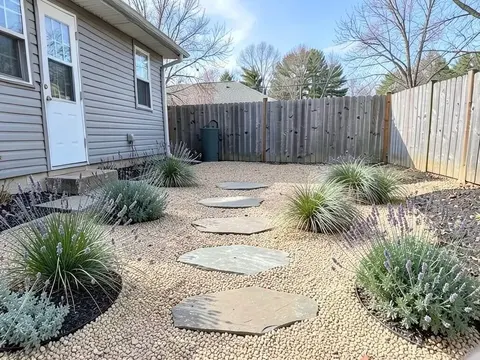
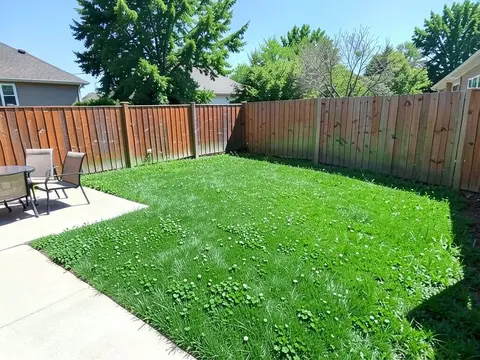
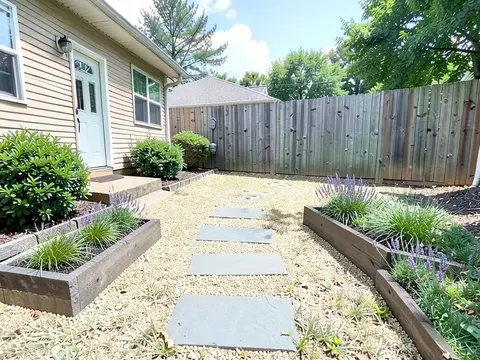
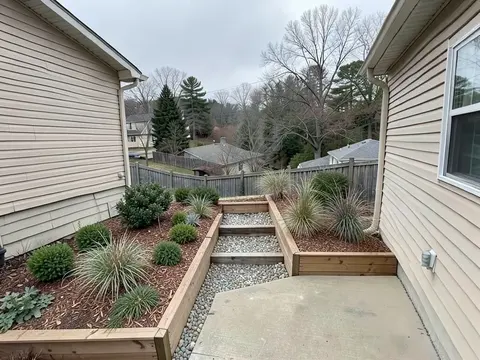
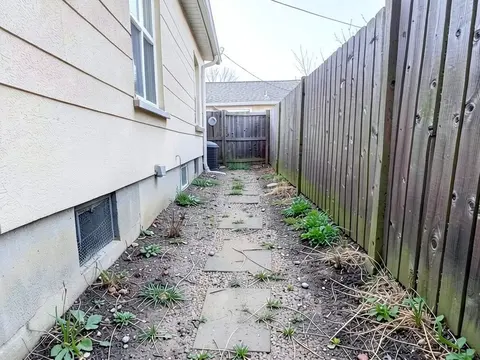
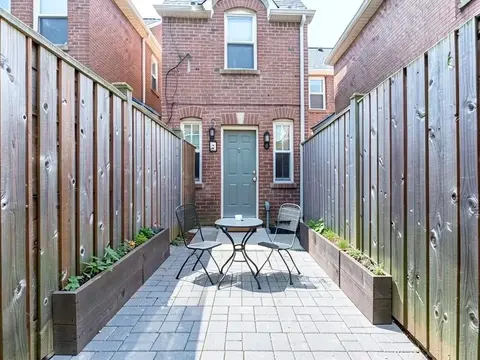
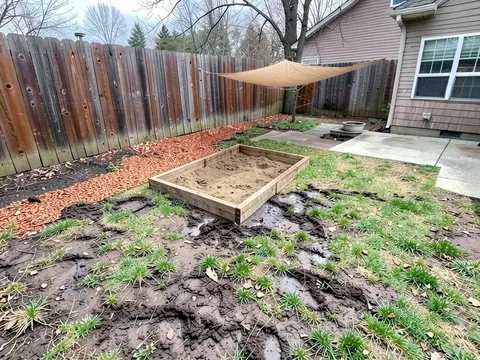
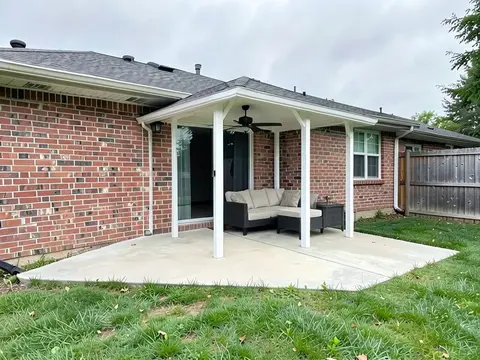
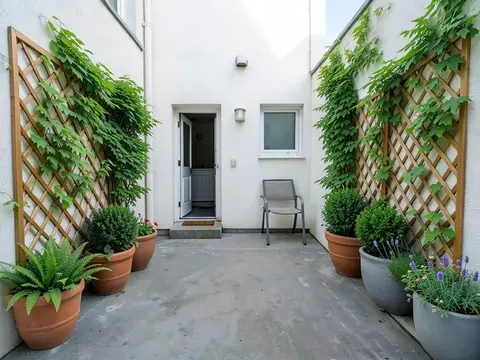
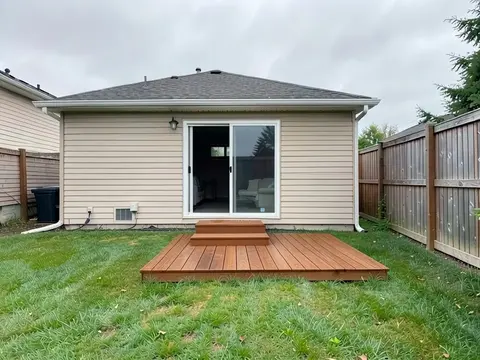
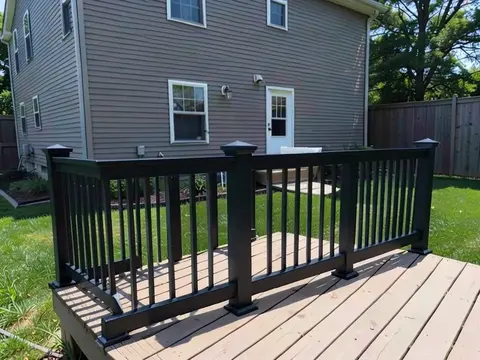
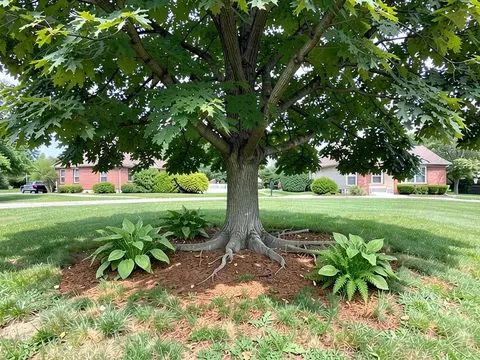
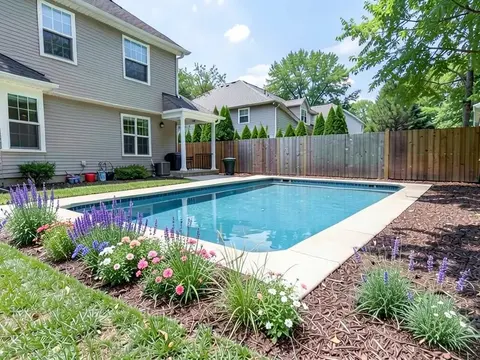
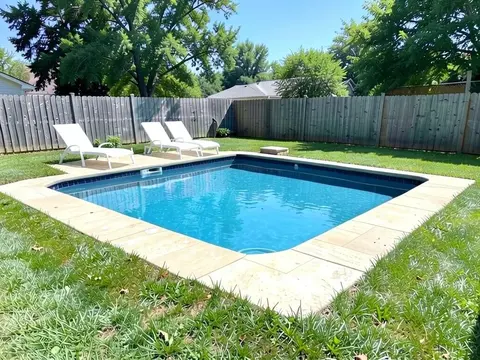
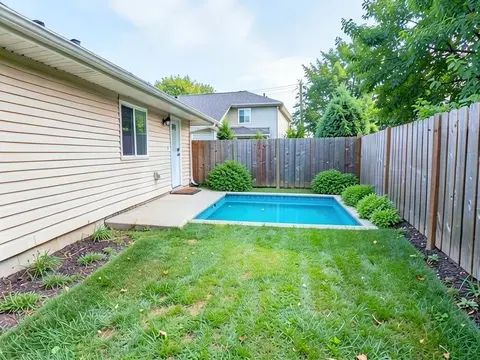
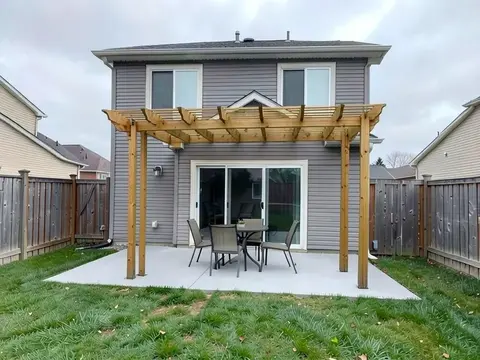
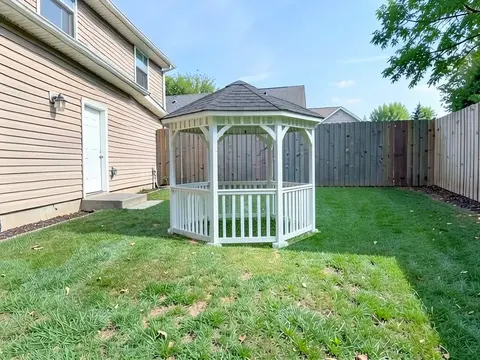
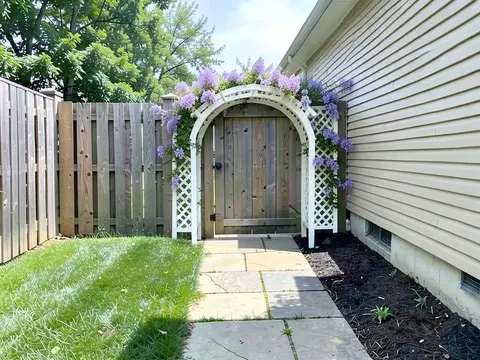
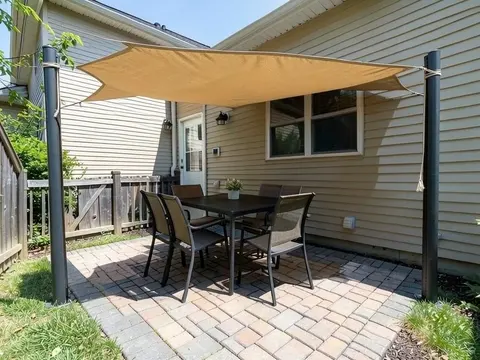
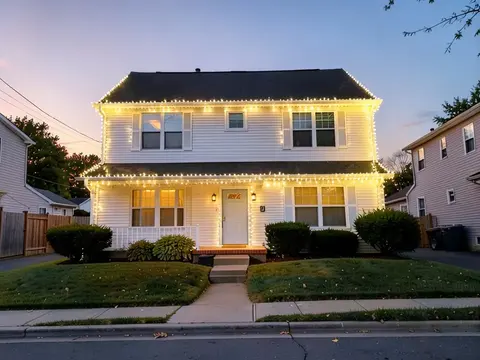
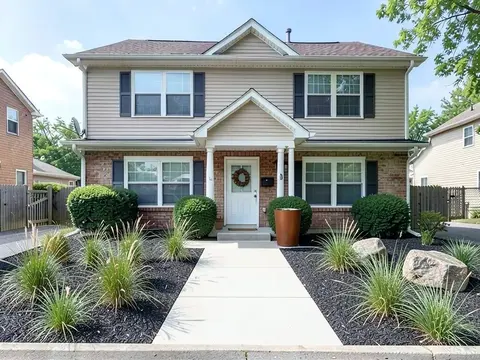
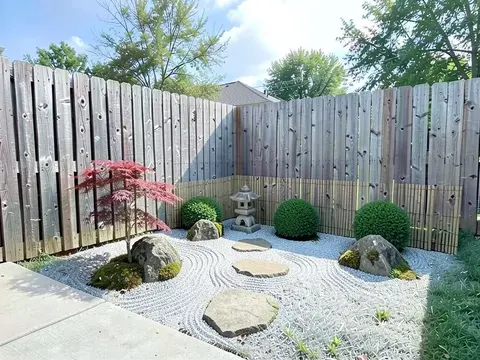
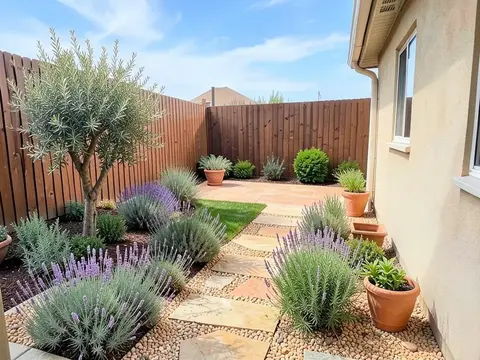
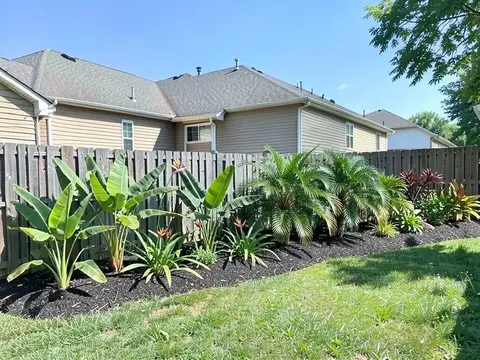
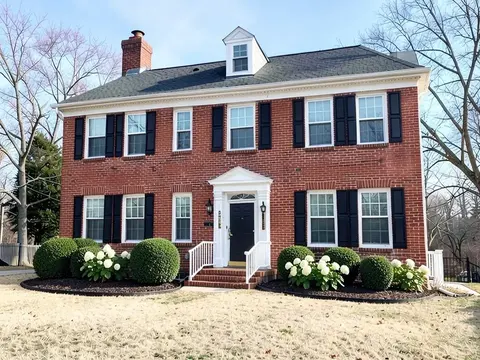
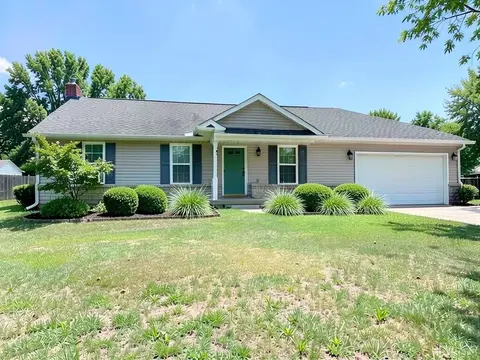
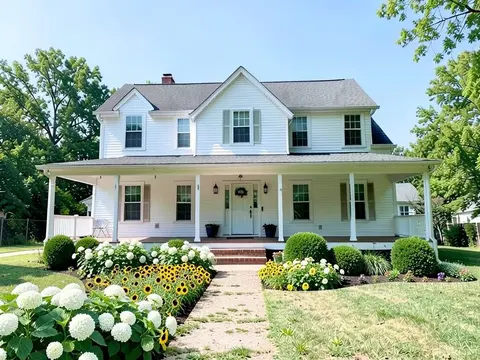
Looking for landscaping ideas usually starts with a picture: a front yard you like, a patio, a border of flowers. This page gathers every landscape idea guide on our site in one place, 96 of them, sorted into front yards, backyards, patios and hardscape, gardens and plants, pools and water, structures and privacy, styles and house types, and regions.

More renders come with a paid plan (see pricing).

Each card shows one AI example from that guide, and each guide has its own before and after pictures, the instructions we used and a FAQ. When one catches your eye, upload a photo of your own yard and see the landscape design idea on it before you buy a plant or a paver.

How to choose landscaping ideas for your yard

The best landscape ideas are the ones that fit the yard you have. Six questions narrow the list quickly:

  • Start from how you use the yard: Write down what the space is for: eating outside, children playing, a dog, growing food, or just a tidy view from the street. A yard used for dinners needs a patio near the kitchen door; a yard for play needs open lawn or a safe surface.
  • Watch the sun and shade: Note which parts get full sun and which stay shady through the day. Plants are sold for sun or shade, and a seating area in full afternoon sun may need a pergola, a shade sail or a tree.
  • Plan for your climate and water: Choose plants and materials suited to where you live. Dry regions favour gravel, rock and drought-tolerant plants; wet or humid regions need drainage and plants that cope with heavy rain.
  • Be honest about upkeep: Lawns need mowing, flower beds need weeding and hedges need clipping. If you have little time, look at the low maintenance and no-grass ideas before a large lawn or a cottage border.
  • Build the hard parts first: Patios, paths, walls and steps are the most expensive part to move later, so place them first and fill in planting around them. Planting can be added in stages as budget allows.
  • Match the house: A yard looks planned when its style suits the house: clean lines and grasses with a modern house, a picket fence and cottage flowers with a farmhouse, gravel and terracotta with a Mediterranean look.

See a landscaping idea on a yard photo first

Two examples from our guides. In each pair, the left image was generated by AI as a stand-in for an ordinary yard, and the right image is that same picture edited by AI from a written instruction. These are not photos of real customer homes, and a render in the tool may look different.

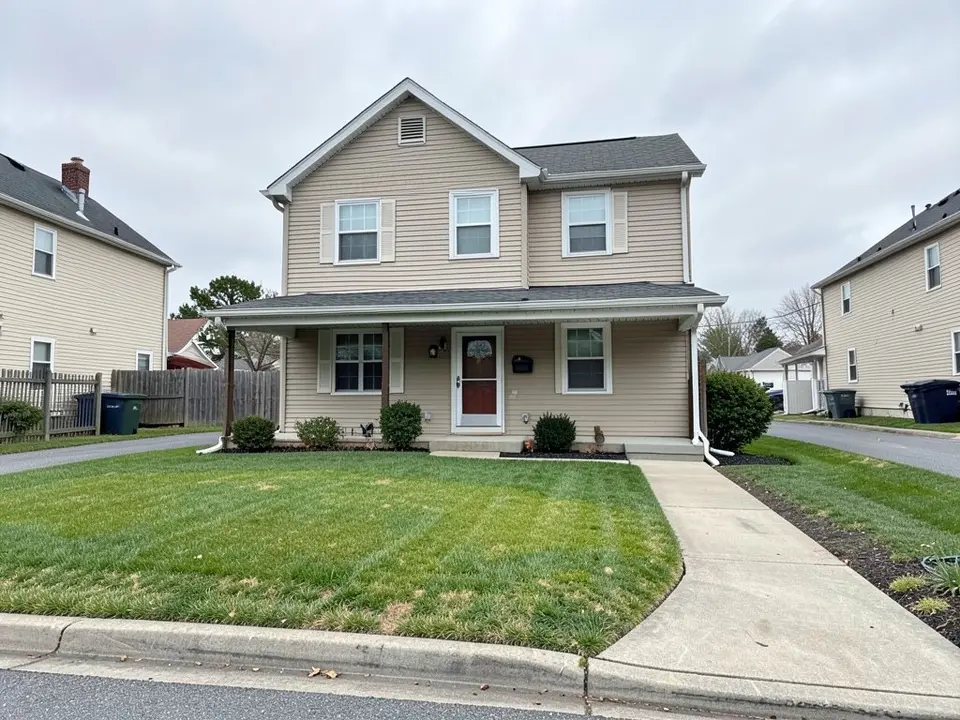
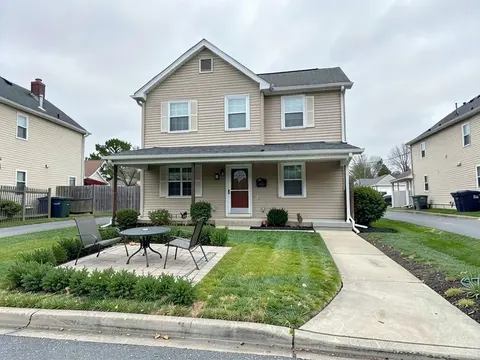
AI-generated example: a beige two-story house with a covered porch and a red front door, a curved concrete walkway and a mown lawn with thin yellowish patches running to the street curb

Before

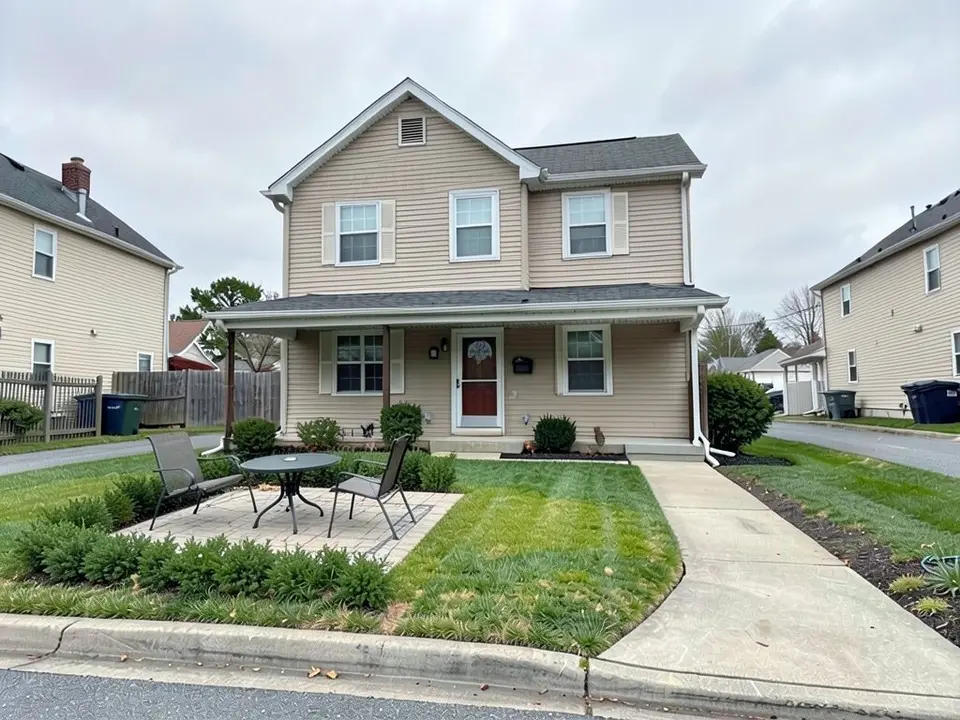
AI-edited version of the same image: a small square paver patio with a round table and two metal chairs on the left side of the lawn, with low green shrubs in front of it and to its left

After

A paver seating area in a front lawn. The before image is an AI-drawn stand-in, not a customer photo. The AI added the patio, table, chairs and shrubs; we asked for shrubs all around the patio and it planted them on two sides only, and it made the lawn greener on its own. More in our front yard landscaping ideas.
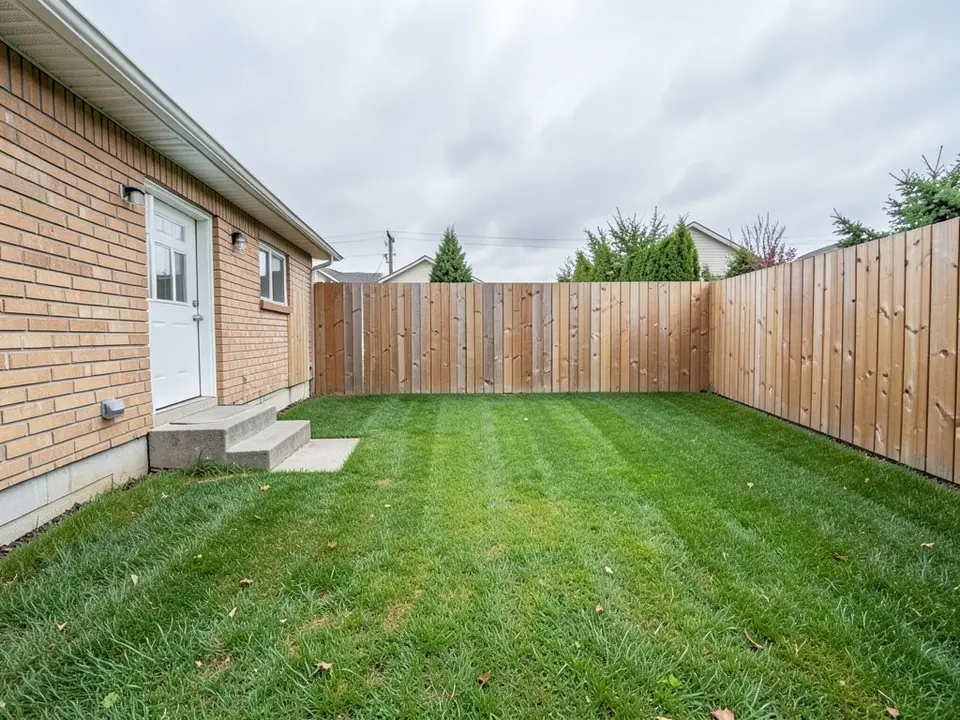
AI-generated example: the back of a light brick house with a white door, a small concrete step, a flat mown lawn and a tall wooden fence on two sides, evergreen trees behind it

Before

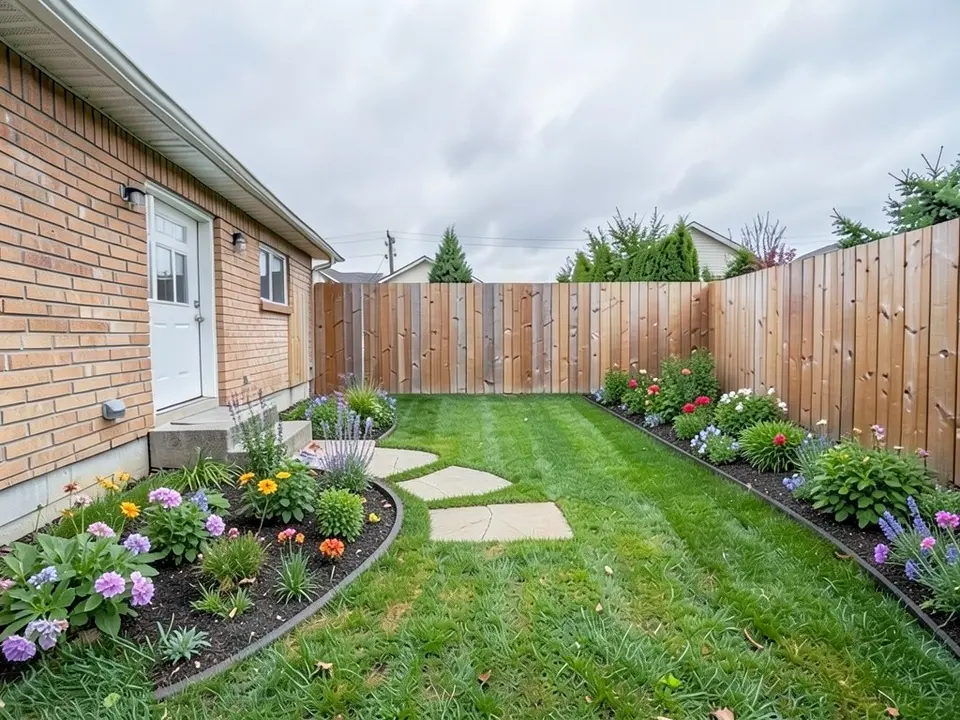
AI-edited version of the same image: a curved bed of colorful flowers next to the house and back step, a second bed along the fence on the right, and three flat stepping stones near the house

After

Curved beds and a stepping-stone path across a plain backyard lawn. The before image is an AI-drawn stand-in. The AI added the beds and stones; we asked for the path to cross the lawn and the three stones stop near the house, and it picked a mix of flower colors when we named none. More in our backyard design ideas.

How to try these landscape design ideas on your own photo

  1. Pick a card above and open the guide. Each one lists the exact instruction we used for its examples.
  2. Open the landscape tool and sign in with Google or an email code (1 free render with a free account). Choose Custom, then paste that instruction into the Custom Design Requirements box and change the materials, plants or spot to suit your yard.
  3. Upload a clear daytime photo of your front yard or backyard, taken from where you would normally stand.
  4. Compare the result with your photo. If the AI missed part of the instruction, reword it and run it again.

The AI draws one possible look. It does not check your soil, drainage, local rules or what a build would cost, so treat the picture as a way to compare ideas, not as a plan.

Try an idea on my yard photo

Frequently asked questions

What are some easy landscaping ideas for beginners?

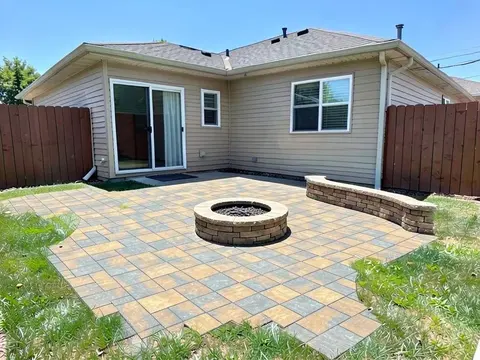
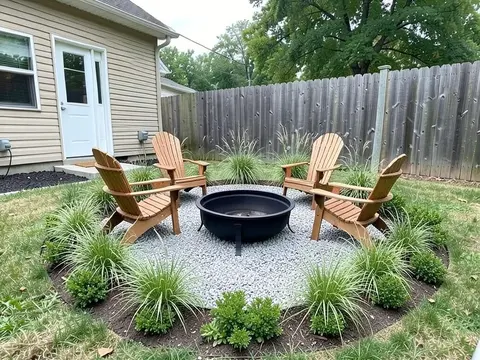
Start small: edge and mulch the beds you already have, add a flower bed by the front door, line a walkway with low plants, or put in a gravel seating area with a fire pit. The low maintenance, budget backyard, flower bed and landscape edging guides above cover these in more detail.

How do I choose landscaping ideas for my yard?

Decide what the yard is for, note where the sun and shade fall, pick plants and materials that suit your climate, and be honest about how much upkeep you will do. Then place the hard parts (patio, paths, walls) first and plan planting around them. Seeing an idea on a photo of your own yard helps you rule out the ones that do not fit.

What is the difference between landscaping and hardscaping?

Landscaping is the whole design of the yard. Hardscaping is the built part of it: patios, decks, paths, walls, steps and fire pits. Softscaping is the living part: lawn, plants, shrubs and trees. Most yards mix both, and our hardscaping ideas guide covers the built part on its own.

Can I see a landscaping idea on a photo of my own house?

Yes. Upload a photo of your yard to the landscape tool, choose Custom and describe the idea, or use one of the instructions from the guides above. The AI returns the same view with the idea drawn in. It is a picture of one possible result, not a plan, a plant list or a quote.

Are these landscaping pictures real yards?

No. Every picture on this page and in the guides it links to was made with AI: the before images are AI-drawn stand-ins for ordinary yards and the after images are those same pictures edited by AI. Each guide says what the AI followed, what it missed and what it changed on its own.

Is the landscape design tool free?

You need an account, and it is free: 1 free render with a free account, and free renders carry a watermark. A paid plan gives you more renders and removes the watermark.

If your photo is dark or soft, run it through the AI photo enhancer first, then bring it back here. The exterior design tool covers the house itself. You can read more about who builds these tools on our about page.